
If you own a website, you may have heard the term internal links quite often. These links are not just a simple web design feature; they play a key role in user experience and search engine optimization. In this article, we’ll go through what is internal links, the different types, where they can be placed, and how they can help your site grow.
1. Meaning of Internal Links?
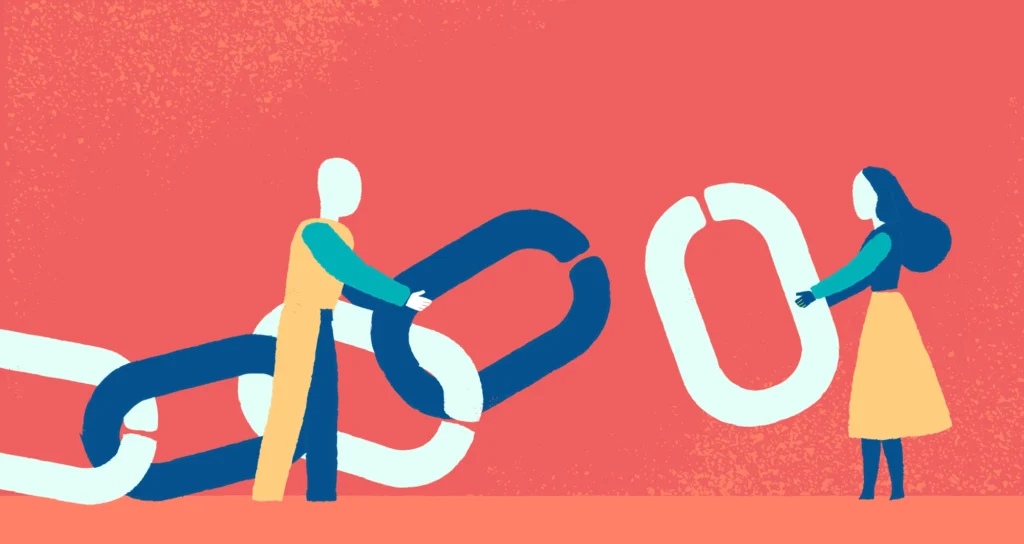
Internal links are hyperlinks that connect one page of your website to another page within the same domain. This means a visitor clicks a link and stays on your site rather than being sent to an external source.
For example, if you have a blog post about “Healthy Snacks” and you mention “Smoothie Recipes,” you can link those words to another article you’ve written on that topic. This helps the reader find more useful information quickly.
When discussing what internal links are in SEO, we mean how these links guide search engines in crawling, understanding, and ranking your content. They also allow readers to move naturally through your website, which improves engagement and keeps them browsing for longer.
2. Different Types of Internal Links
Not all internal links serve the same purpose. Each type has its role in connecting your content effectively.
a) Menu or Navigation Links
These are usually found in the main header or navigation bar. They guide visitors to the most important sections of your site, such as Home, About Us, Services, or Contact.
They are essential for first-time visitors who may not know where to start, giving them clear entry points to explore your site further.
b) In-Content or Contextual Links
Placed directly within the text of your articles or pages, these links connect related topics. For example, linking to a detailed guide while discussing a short tip.
They work well for improving SEO because they provide both readers and search engines with relevant connections between your pages.
c) Sidebar Links
These appear in a separate section on the side of a page, usually showcasing recent posts, popular content, or categories.
They encourage visitors to explore additional pages they may not have planned to visit, increasing time spent on your site.
d) Footer Links
Located at the very bottom of the website, these often connect to important but less frequently visited pages like Privacy Policy, Terms & Conditions, or Help pages.
Since they appear on every page, they provide consistent access to essential information for all visitors.
e) Linked Images
When images are clickable and lead to another page within your site, they act as internal links. This can be used for banners, product photos, or infographics.
They make navigation more visually appealing and attract attention from users who prefer image-based browsing.
f) Breadcrumb Links
Breadcrumbs show the page’s position in your website hierarchy, like “Home > Blog > SEO Tips.” They allow visitors to go back to previous sections easily.
For SEO, breadcrumbs help search engines understand the structure of your website and how different pages are connected.
3. Where You Can Use Internal Links
Internal links can be added to many areas of a site to guide users and improve navigation.
- Navigation Menus – Directs visitors to core sections quickly, making it easier to find important information. Menus are often the first thing users interact with.
- Inside Blog Posts – Helps link related topics within articles, keeping the reading experience smooth and educational.
- Product or Service Pages – Connects related items or services, encouraging customers to explore more options.
- Category Pages – Groups related content together, making it easier for users to discover more in a specific topic area.
- Landing Pages – Adds supportive links to guides, case studies, or pricing pages to help decision-making.
- Footers – Keeps crucial links available on every page, so users can reach them without scrolling back up.
- Sidebars – Highlights trending, recommended, or seasonal content to encourage additional clicks.
4. Benefits of Internal Links
To understand what is internal links in SEO, it’s important to see how they directly benefit your site.
1) Better Navigation for Visitors
Internal links guide people to the content they are looking for without confusion. This makes browsing smoother and more enjoyable.
If visitors find what they need easily, they are more likely to return to your site in the future.
2) Easier for Search Engines to Crawl
Search engines follow internal links to discover new pages. Without them, some of your content may remain hidden and not appear in search results.
A strong linking structure ensures that even older pages get crawled and remain visible in search engines.
3) Spreads Page Authority
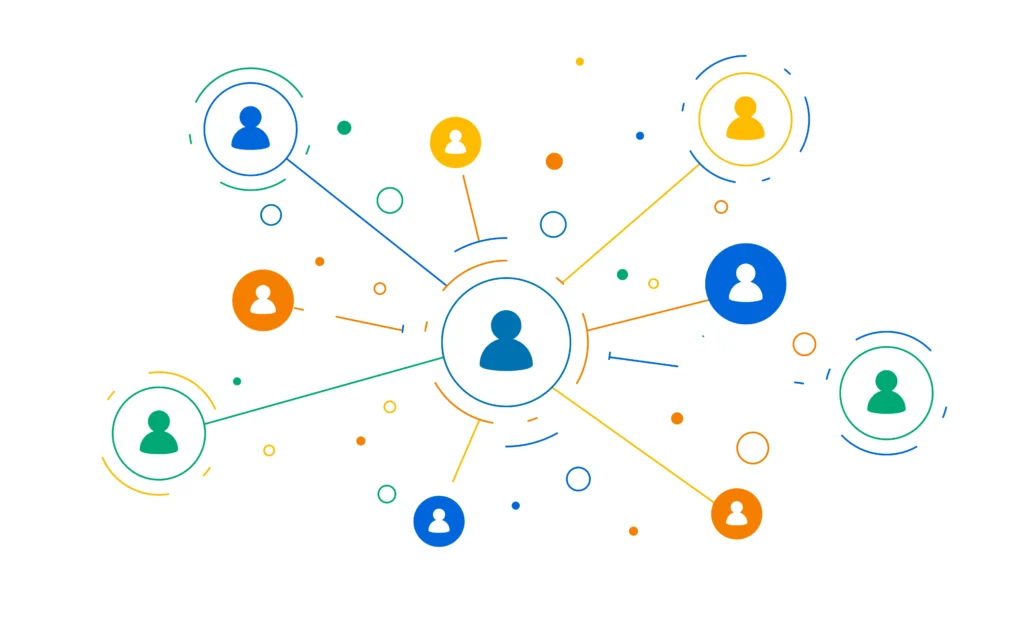
Pages with higher ranking power can share their strength with other pages via internal linking. This helps less popular pages improve in search results.
It’s an effective way to lift the visibility of important but less-visited content.
4) More Page Views
When visitors are presented with relevant links, they often click through to explore more pages. This increases engagement.
More page views can also lead to higher ad revenue or product exposure.
5) Lower Bounce Rate
If users find another page to visit instead of leaving immediately, your bounce rate drops.
A lower bounce rate signals to search engines that your site offers valuable content.
6) Organized Content Structure
Internal linking creates a clear hierarchy, showing how topics are related.
This makes your site easier to navigate for both humans and search engines.
7) Increased Conversions
By linking directly to product pages, sign-up forms, or service information, you guide users toward taking action.
This can lead to more sales, enquiries, or subscriptions.
8) Improved Keyword Signals
Using descriptive anchor text in your links tells search engines what the linked page is about.
Over time, this helps improve keyword rankings for targeted pages.
5. Tips for Using Internal Links Effectively
Knowing what is internal links is only useful if you implement them the right way.
- Use Relevant Anchor Text – Make the clickable text accurately describe the linked page’s content for better SEO.
- Link to Important Pages – Prioritize links to content that delivers the most value or conversions.
- Avoid Overloading with Links – Too many links on one page can overwhelm visitors and reduce their value.
- Check Links Regularly – Fixing broken or outdated links maintains both SEO and user trust.
- Follow a Logical Path – Ensure your linking structure feels natural and helps guide users smoothly.
- Highlight Links Clearly – Make sure links are visible and easy to identify within the text.
Conclusion
Now you know what is internal links and what is internal links in SEO. They connect pages within your website, guide visitors, improve search engine crawling, and distribute ranking power across your content.
When used thoughtfully, internal links make your site easier to navigate, increase engagement, and help you reach your SEO goals. They may be a simple tool, but they are one of the strongest ways to build a well-structured, user-friendly, and high-ranking website.